 Storytella
Storytella vs. Midjourney for Filmmaking: When to Use Which
A practical breakdown for filmmakers deciding between an end-to-end AI film platform and a still-image generator — and when the smartest move is to use both.
If you're an indie filmmaker or content creator weighing Storytella vs Midjourney, you're really comparing two different things: a tool that makes still images and a tool that makes finished films. Both are powerful. They just solve different parts of the problem. This guide breaks down what each one does best, where they overlap, and exactly when to reach for which — so you can stop second-guessing your toolchain and start shooting.
Quick Verdict
If you're making a film — moving scenes, dialogue, character continuity, a final cut — you want Storytella.ai. If you're making moodboards, concept art, or single hero stills, Midjourney is the right tool. Most serious filmmakers end up using both, but for different jobs.
| Use case | Better choice |
|---|---|
| Full short films or scenes | Storytella |
| Character consistency across shots | Storytella |
| Style control across a whole production | Storytella |
| Concept art and moodboards | Midjourney |
| One-off hero images and posters | Midjourney |
| Storyboarding from an idea | Either, depending on workflow |
| Final cut with audio and timing | Storytella |
What Is Storytella?
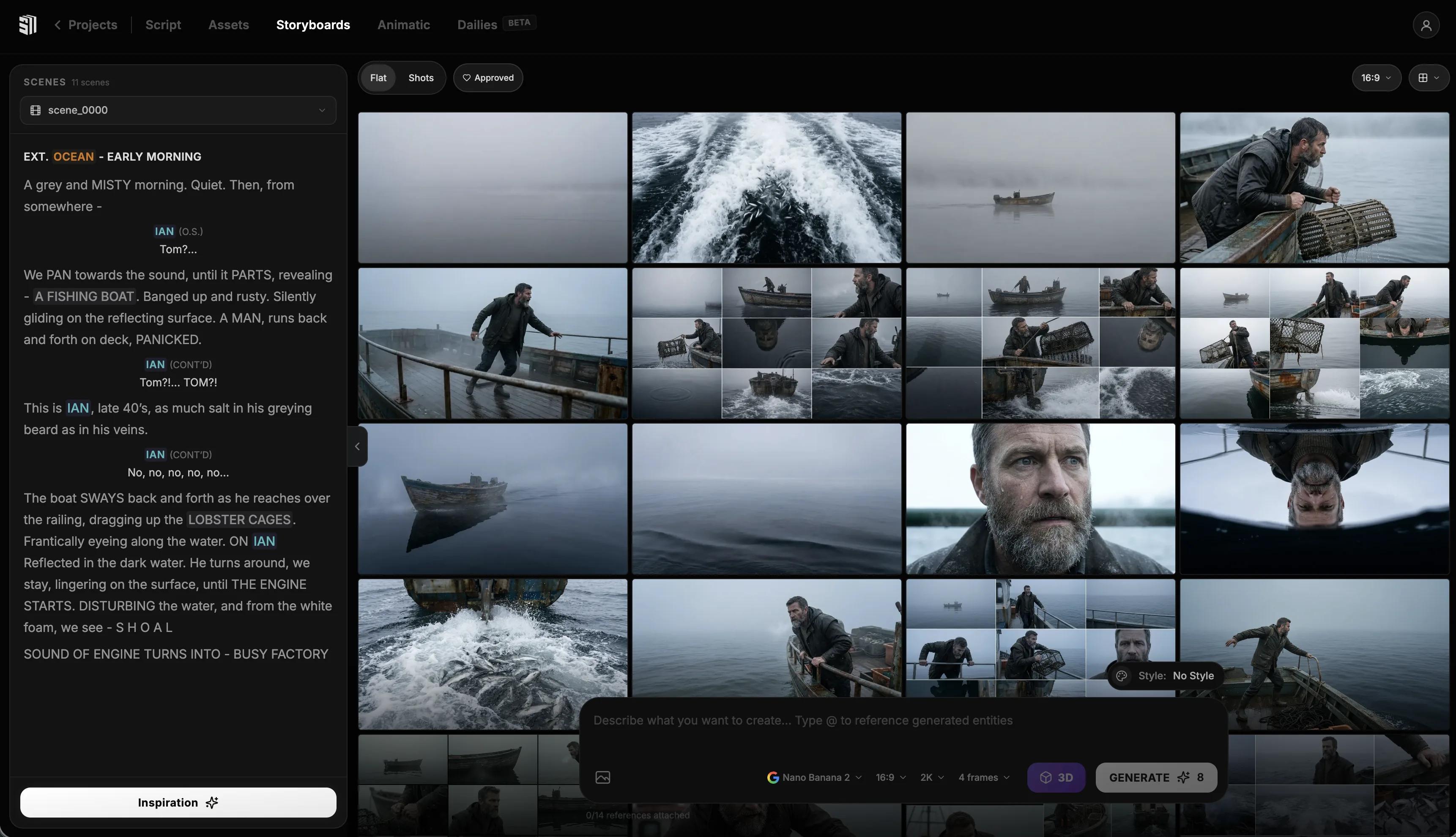
Storytella is an end-to-end AI filmmaking platform. You start with a script or an idea, and it takes you all the way to a final cut — scenes, character renders, audio, edit — inside one workflow. It's built specifically for filmmakers, content creators, and beginners who don't have a crew.
The core things Storytella focuses on:
- End-to-end production — script through final cut without leaving the platform
- Character consistency — the same character looks like the same character across every scene
- Style control — apply a unified visual style across the whole project, not just one frame
- Fast iteration — regenerate a scene in minutes instead of reshooting
If you've ever tried to stitch a film together from a thousand individual AI images and given up around shot 14, Storytella is the answer to that problem.
What Is Midjourney?
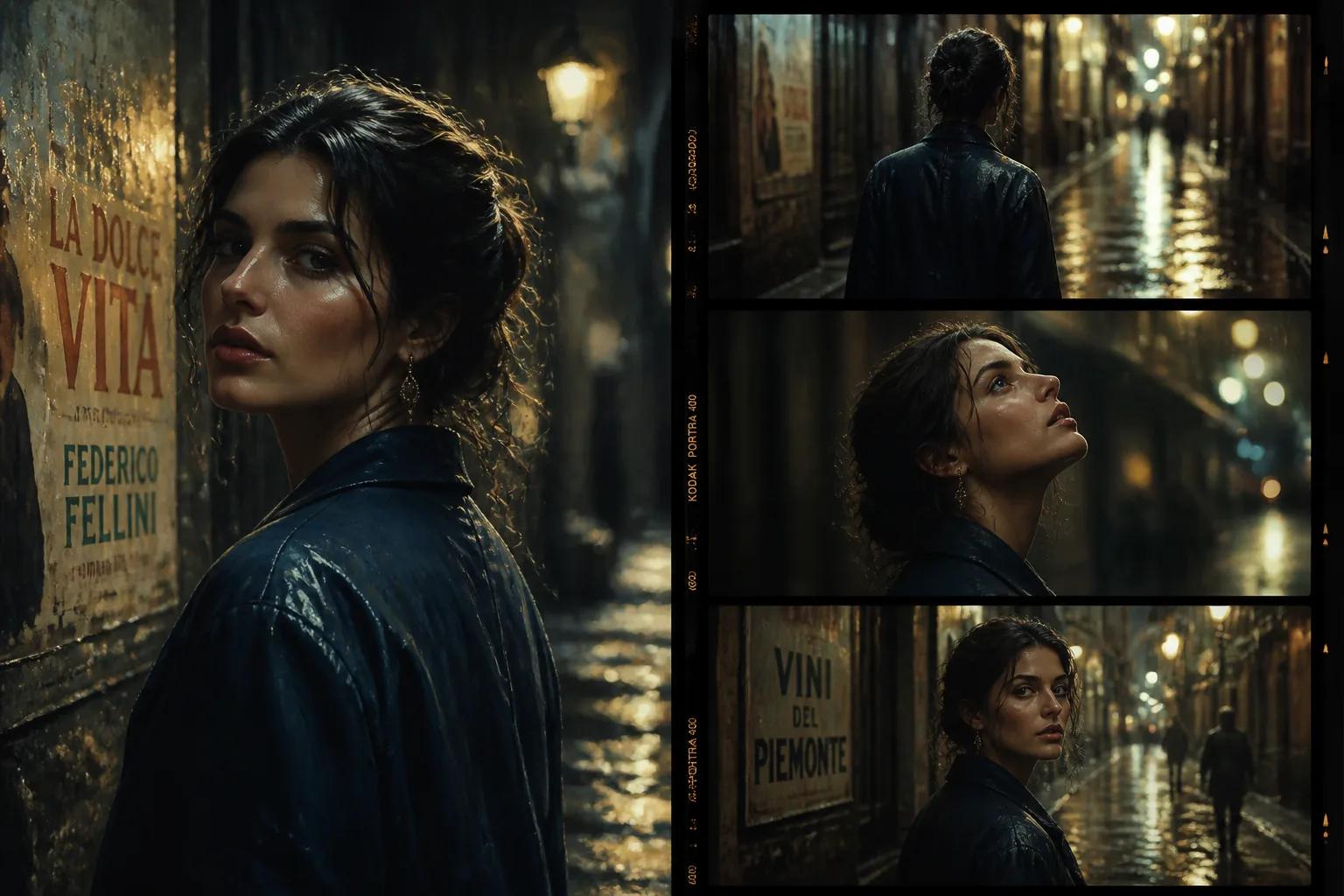
Midjourney is an AI image generator. You type a prompt, you get a beautifully composed still image. It's known for its painterly, cinematic look and the depth of stylistic control you can pull from a single text input.
Midjourney is excellent at:
- Single-frame composition — atmospheric, painterly stills
- Mood and tone exploration — quickly visualizing a vibe before committing
- Concept art — character designs, environments, props, costumes
- Posters, key art, and stills — anything that lives as a single frame
What Midjourney is not built for: making the next frame match the last one, animating those frames, syncing audio, or holding a character's face steady across 40 shots. That's not its job — and trying to force it into that role is where filmmakers get burned.
Feature Comparison for Filmmakers
Here's how the two tools stack up on the things filmmakers actually care about.
| Feature | Storytella | Midjourney |
|---|---|---|
| Output format | Video scenes + final cut | Still images |
| Character consistency across shots | Yes, built-in | Limited (workarounds only) |
| Multi-scene project structure | Yes | No |
| Style control across whole project | Yes | Per-prompt only |
| Audio and dialogue | Integrated | None |
| Editing and final cut | Built-in | None |
| Speed of single-image generation | Moderate | Very fast |
| Best for | Films, scenes, content videos | Stills, concept art, moodboards |
| Skill level | Beginner to pro | Beginner to pro |
The headline takeaway: Midjourney optimizes for the single best frame. Storytella optimizes for the whole film.
When to Use Storytella
Reach for Storytella when the deliverable is a film — anything where motion, sequence, or continuity matters.
Use Storytella for:
- Short films and narrative pieces — anything with a story, a character, and more than one scene
- YouTube and content videos — talking-head explainers, narrative content, branded videos
- Music videos — where style needs to hold across the whole runtime
- Pitch films and proof-of-concepts — when you need a moving sample, not a still
- Trailers and teasers — sequences cut to a beat
- Anything with dialogue, narration, or sync — audio is integrated, not bolted on
If you find yourself thinking "I need this character to do something across multiple shots," you're in Storytella territory.
When to Use Midjourney
Reach for Midjourney when the deliverable is a single image or a set of references.
Use Midjourney for:
- Concept art — visualizing a character, location, or prop before production
- Moodboards — exploring the look and feel of a project
- Posters and key art — single hero images for marketing
- Costume and production design references — feeding the visual brief
- Pre-production visualization — getting alignment with collaborators before generating scenes
- Single stills for thumbnails or social — when one strong frame is the entire job
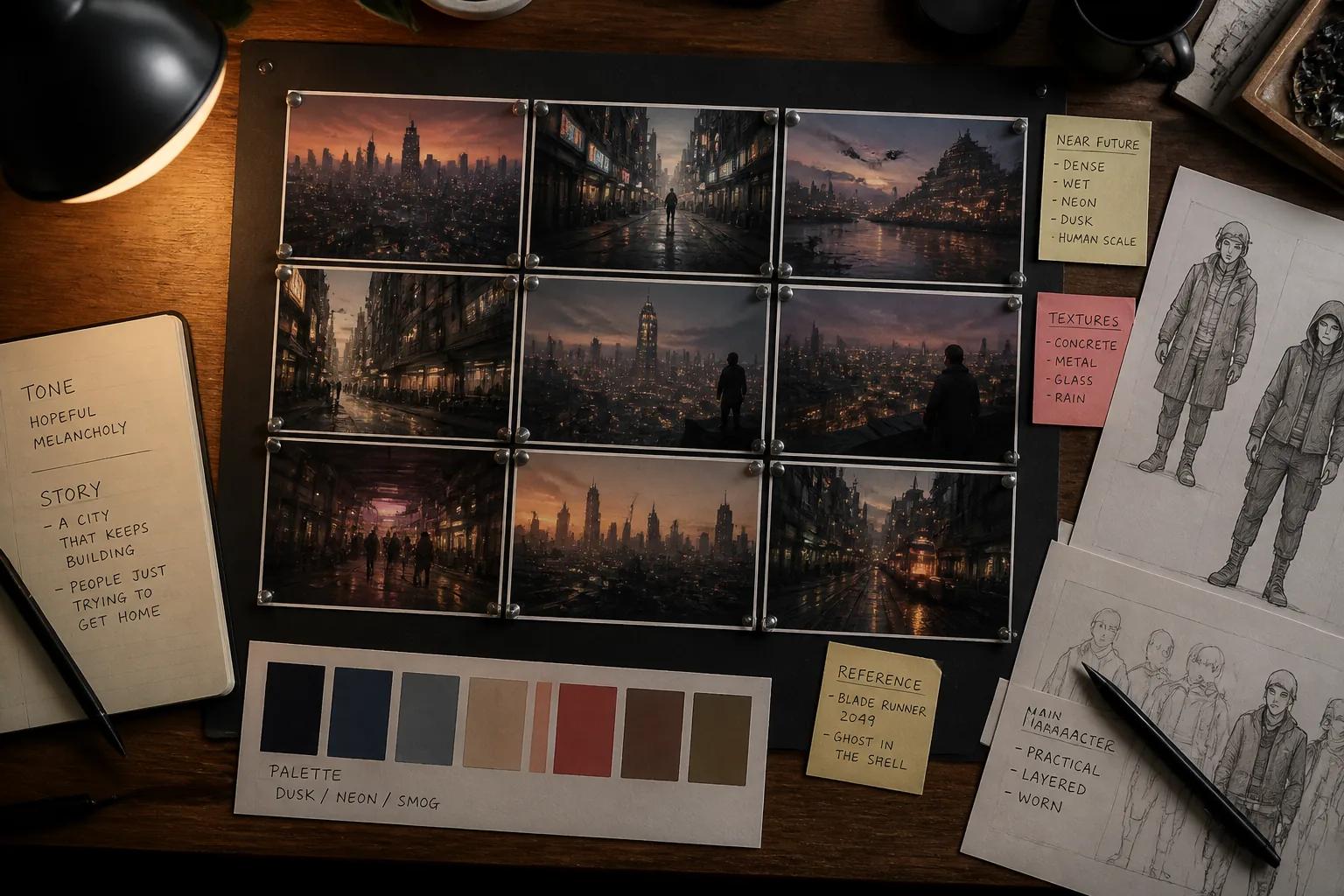
A good way to think about it: Midjourney is your art department's mood wall. Storytella is your set, your camera, your edit suite, and your sound design rolled into one.
Can You Use Both Together?
Yes — and many of the smartest filmmakers do exactly this.
A common workflow looks like:
- Concept in Midjourney. Generate stills to lock in the look, the character design, the world.
- Move to Storytella. Import or reference those stills, then build the actual film — scenes, character continuity, style applied across every shot, audio, final cut.
- Back to Midjourney for marketing. Generate the poster, thumbnail, or key art using the same visual language as the finished film.
This split plays to each tool's strengths. Midjourney handles the static visual exploration phase. Storytella.ai handles the production phase, where consistency and motion become non-negotiable. You stop fighting either tool and start using each for what it's best at.
FAQ
Is Midjourney better than Storytella?
Neither is "better" — they do different jobs. Midjourney is better for single still images. Storytella is better for actual films and multi-scene video projects. If you need motion, character continuity, or audio, Storytella is the right tool. If you need one beautifully composed frame, Midjourney is.
Can Midjourney make videos?
Midjourney has experimented with motion features, but it is fundamentally a still-image platform. For full filmmaking — sequenced scenes, character consistency, audio, editing — you need a dedicated AI filmmaking platform like Storytella.ai.
How does Storytella keep characters looking consistent across scenes?
Storytella's workflow treats characters as project-level assets, so the same character holds the same face, build, and look across every scene in the project. This is one of the main reasons filmmakers choose Storytella over stitching together output from a still-image tool.
Do I need filmmaking experience to use Storytella?
No. Storytella is built for indie filmmakers, content creators, and beginners with no production background. The platform handles the hard parts — scene generation, consistency, editing — so you can focus on the story.
Can I use Midjourney stills inside a Storytella project?
You can use Midjourney stills as references, moodboards, or visual briefs that inform what you generate inside Storytella. Storytella generates the actual film scenes, but Midjourney is great for the pre-production visualization that comes before that.
Which tool is cheaper?
Pricing changes for both, so check current plans on each site. The more useful question is value: if you're producing films, generating one Midjourney still at a time and trying to assemble a film out of them is far more expensive in time than using a tool built end-to-end for filmmaking.
Should I learn both?
For most filmmakers, yes. Midjourney for concepting and key art, Storytella for actually making the film. They cost very little to learn relative to what they unlock.
Conclusion
Storytella vs Midjourney isn't really a versus question — it's a when question. Midjourney is the tool for the single best frame. Storytella is the tool for the entire film. The filmmakers getting the most out of AI right now aren't picking one and ignoring the other; they're using each one for what it's actually built to do.
If you're sitting on an idea for a short, a music video, a content series, or a feature, the bottleneck isn't the concept art — it's the production. That's where an end-to-end AI filmmaking platform changes what's possible for a solo creator.
Try Storytella.ai and go from script to final cut, no crew required.
Your story awaits
The set is ready for you.
Turn your screenplay into stunning storyboards and animatics in minutes — not months. No drawing skills required.
Free to start · No credit card required · Cancel anytime